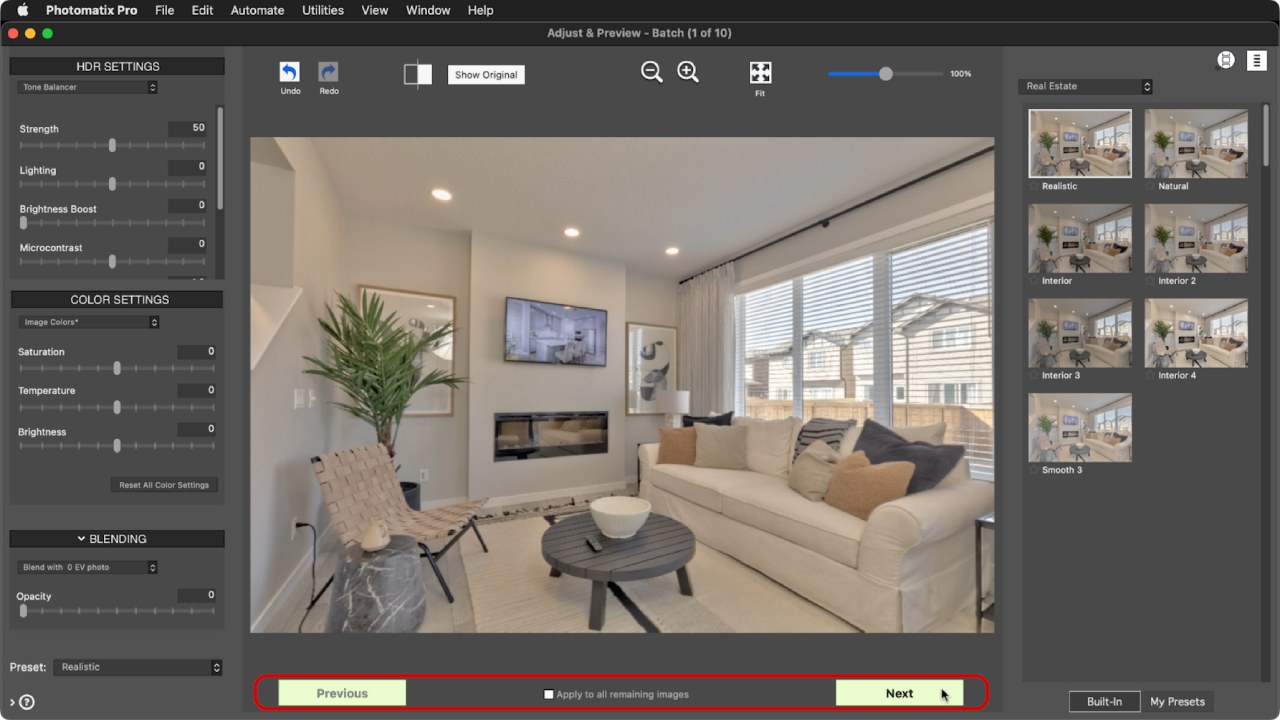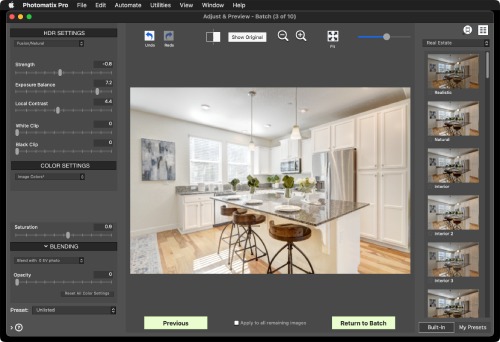
This interactive feature lets you see a preview of each HDR image before batching bracketed photos.
You can also adjust each image by applying a different preset or HDR settings. This is particularly useful when processing photos of scenes with varying lighting conditions.
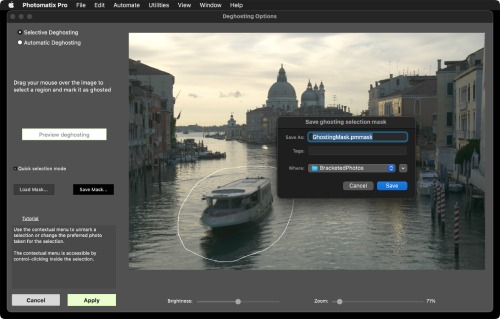
You can now save the areas you’ve marked for deghosting on the selective ghost removal window.
This is useful when you need to merge the same bracketed photos again. It also allows you to use the ghost removal mask for batching.
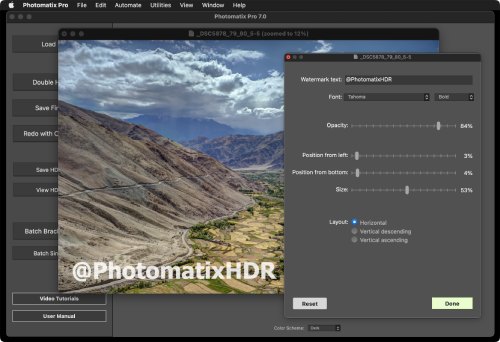
You can now add your own text watermark to images with the new watermark tool, including options to select the font, size, layout, and position of the watermark.
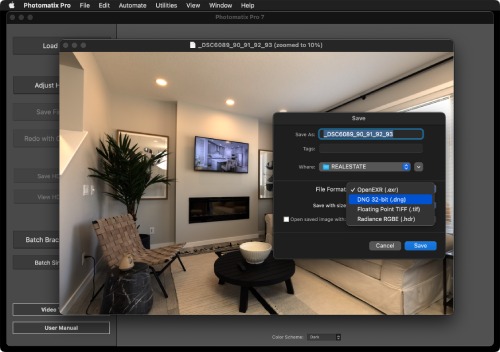
Version 7 adds the option to save HDR images in DNG format, including 32-bit DNG for the merged HDR image.
This lets you easily edit your HDR images further in Photoshop or other photo editing apps.
The latest version of the software also adds support for numbers of new camera models and lenses.